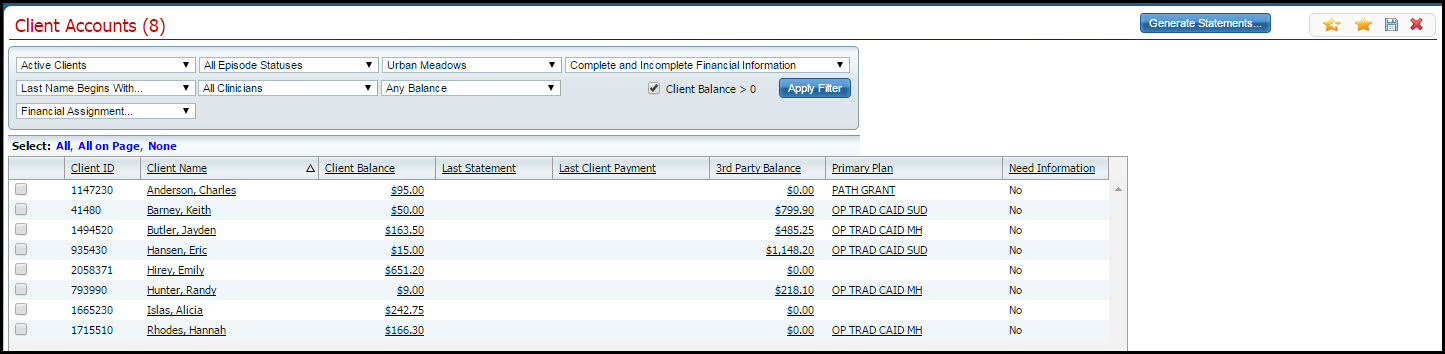
Client Accounts is part of the accounting/bookkeeping functionality of SmartCare. Client Accounts contain the services, charges, payments and adjustments for each client. You can access client accounts from either the My Office tab to work with multiple clients' accounts or the Client tab to work with only one client's account at a time.
You can:
Display the Client Accounts List Page from the My Office Tab
Display a Client Account from the Client Tab
Follow this path: My Office tab > Billing banner > Client Accounts sub-banner.
The Client Accounts (####) list page, is displayed. View field definitions.
Filter the list to determine the records that are displayed. Tell me how...
From this list page, you can:
Generate Statements for the client accounts that are displayed.
Follow this path: <client name> tab > Finance banner > Client Account sub-banner..
The Client Account page is displayed with the Overview tab active. View field definitions.
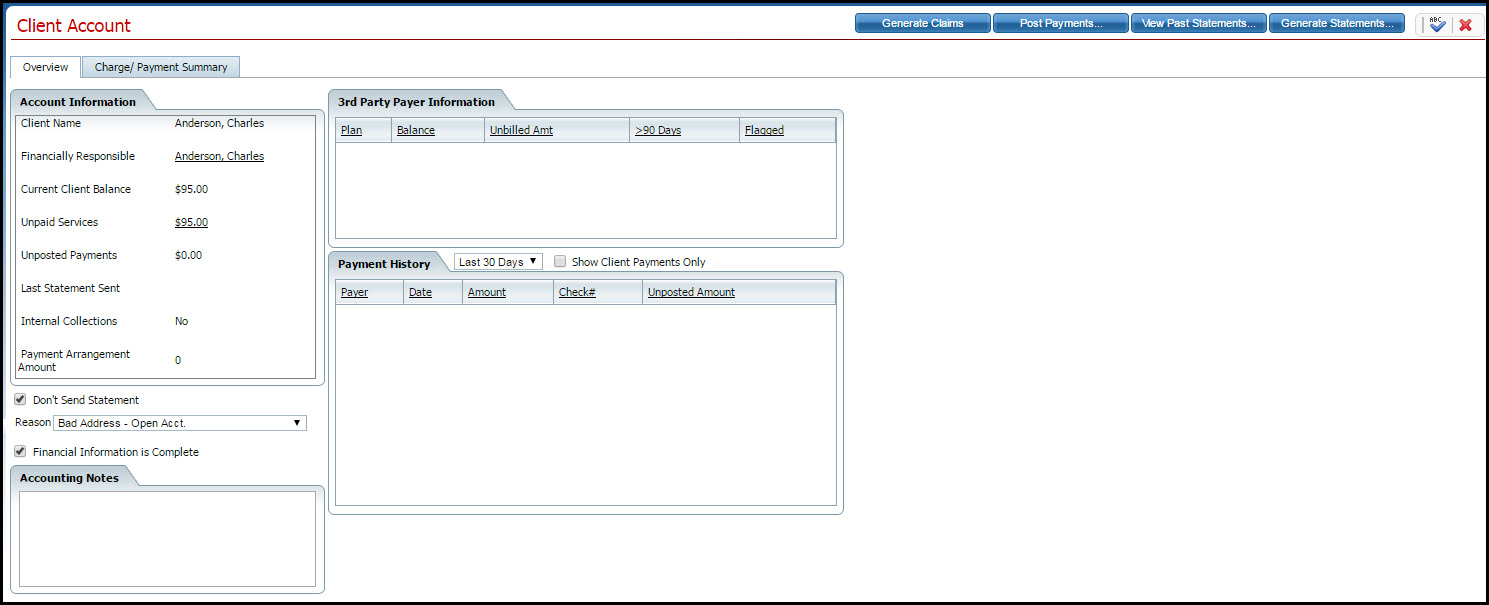
From this page, you can:
Generate Claims for the client whose account is displayed
Post Payments to the client's account
View Past Statements for the client whose account is displayed
Generate Statements for the client whose account is displayed
Why can't I access these screens?